Recruitment email automation is a game-changer for HR teams, simplifying communication with candidates while saving time and reducing errors. By automating tasks like application confirmations, interview scheduling, and rejection notices, recruiters can focus on evaluating candidates and improving the hiring process. Here’s what you’ll learn:
- What It Is: Automating emails during hiring stages using pre-designed templates and triggers.
- Why It Matters: Saves time, ensures consistent communication, and enhances candidate experience.
- Key Features: Email templates, personalization, segmentation, triggers, and ATS integration.
- Setup Steps: Choose the right tool, create templates, integrate with ATS, and test workflows.
- Benefits vs. Challenges: Time savings, scalability, and reduced errors contrasted with setup complexity and compliance needs.
Pro Tip: Platforms like Skillfuel simplify automation by offering built-in templates, ATS integration, and compliance tools, making it easier to manage large-scale hiring efforts efficiently.
Recruitment Email Template Tool – Generate customised and automated recruitment email templates!
Core Features of Recruitment Email Automation
Recruitment email automation is a game-changer for HR teams, offering tools that streamline communication and improve the hiring process for both recruiters and candidates. By understanding its core features, teams can make smarter decisions about how to use and refine these systems.
Automated Email Templates
At the heart of recruitment automation are email templates. These templates ensure consistent, professional communication with candidates, no matter who on the team is managing their application. Templates cover every stage of the hiring process, from acknowledging applications to sending final decisions.
For example, templates can handle tasks like sending instant application confirmations, sharing interview scheduling links, or providing status updates. Even rejection emails can be standardized to deliver closure in a respectful manner. This saves recruiters from having to draft repetitive emails, freeing up time for more strategic tasks like evaluating candidates or building relationships.
The key to effective templates is making them feel personal, even though they’re automated. Features like merge fields allow recruiters to include details like the candidate’s name, job title, or specific role information, making the message feel tailored.
Templates also reduce the risk of errors. Under time pressure, recruiters might forget to include essential details like interview locations, required documents, or next steps. Templates eliminate those oversights, ensuring every email is accurate and professional. In short, well-crafted templates streamline communication and enhance the candidate experience.
Personalization and Candidate Segmentation
While templates provide structure, personalization ensures candidates feel valued. Modern recruitment systems go beyond simply adding a candidate’s name to a message. They use application data to create tailored communications that resonate with individual candidates.
For instance, dynamic content blocks allow emails to adapt based on a candidate’s background. An entry-level candidate might receive different interview preparation tips than someone applying for a senior role. Or, candidates transitioning from a different industry might get additional information about the company’s culture to help them feel more at ease.
Segmentation also plays a big role. For companies hiring in multiple locations, geographic segmentation can be used to send candidates location-specific details, such as information about local benefits, office culture, or regional team members. Behavioral segmentation is another powerful tool – it tracks how candidates interact with previous emails and adjusts future messages accordingly. For example, highly engaged candidates might receive more in-depth content, while less active ones might get shorter, more direct messages. This targeted approach improves efficiency and keeps communication relevant.
Triggers and Scheduling
Once templates and personalization are in place, triggers and scheduling ensure messages reach candidates at the right time. Triggers automate when emails are sent, creating a smooth communication flow that keeps candidates informed without overwhelming them.
Time-based triggers are particularly useful. For example, a follow-up email might be scheduled five business days after an application to provide a status update. These triggers can also adjust for time zones, ensuring emails arrive during business hours.
More advanced workflows combine multiple triggers to create a sequence of communications. A typical workflow might begin with an instant application acknowledgment, followed by a screening questionnaire after 24 hours, and then a status update a week later if no decision has been made. These workflows ensure no candidate is forgotten and maintain a steady, professional communication rhythm.
Triggers can also adapt to specific situations, like holidays or hiring freezes. For example, workflows can be paused during company-wide shutdowns to avoid scheduling interviews at inconvenient times. This flexibility helps maintain a positive candidate experience, even during unpredictable circumstances.
Together, these features – templates, personalization, and triggers – create a seamless and efficient recruitment communication system that benefits both recruiters and candidates alike.
Steps to Set Up Recruitment Email Automation
Recruitment email automation starts with selecting the right tools and seamlessly integrating them into your hiring process.
Choosing the Right Platform
The first step is finding a platform that simplifies automation with features like centralized dashboards, real-time tracking, and built-in scalability. Avoid tools that rely on third-party integrations, as they can complicate workflows and introduce unnecessary risks.
A strong recruitment platform should allow HR teams to oversee all automated communications from one place. This centralized approach ensures nothing slips through the cracks. For instance, Skillfuel combines applicant tracking, automated email workflows, and centralized management. Its web-based system enables teams to create automation rules without technical know-how, while customizable career pages maintain brand consistency. Additional features like social media recruitment tools and referral tracking help automate communication at every stage of the hiring process.
When evaluating platforms, think about future growth. A system that works for a small team might falter when hiring scales to hundreds of applications monthly. Choose a tool that can handle increasing email volumes without lagging and offers flexible pricing that adapts as your needs evolve.
Data security is another critical factor. The platform must ensure secure data storage, provide audit trails for all communications, and comply with privacy laws like GDPR or state-specific regulations to protect candidate information.
Once you’ve chosen a platform, the next step is creating personalized and engaging email templates.
Creating and Customizing Email Templates
Using your selected platform, design templates that resonate with candidates. Start by mapping out your recruitment process to pinpoint every moment that requires communication – whether it’s application confirmations, interview scheduling, or final decisions.
Write emails in a conversational tone that reflects your company’s personality while staying professional. Avoid overly formal language that feels impersonal. Use merge fields thoughtfully – not just for names and job titles but also for details like interview times, hiring manager names, or job-specific requirements.
Tailor templates for different types of candidates. For example, entry-level applicants may appreciate more detailed instructions, while senior candidates often prefer concise updates. Geographic differences matter too – include location-specific details like office addresses, local benefits, or regional team structures when relevant.
Before launching, test your templates on both desktop and mobile. Send test emails to your team to check formatting, link functionality, and how merge fields populate with real data.
Space automated messages 24–48 hours apart, triggered by ATS actions. This prevents overwhelming candidates with frequent emails while ensuring they stay informed about their application status.
Connecting Automation with ATS
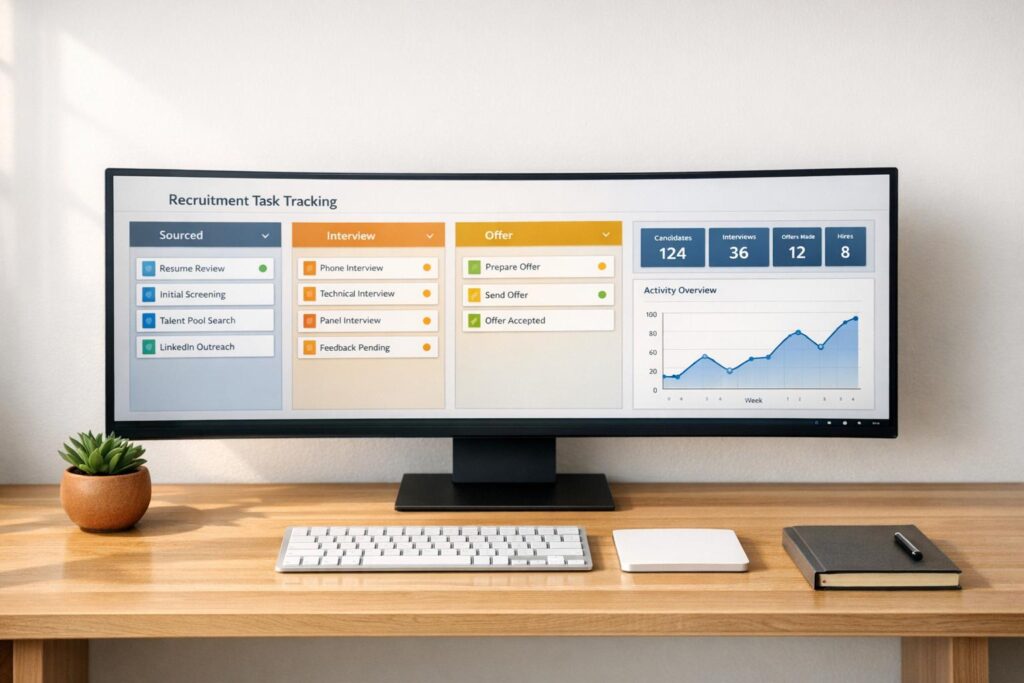
With templates ready to go, integrate them with your ATS to automate communication. This integration ensures that status changes in the ATS automatically trigger the right email sequences, keeping candidates informed without manual effort.
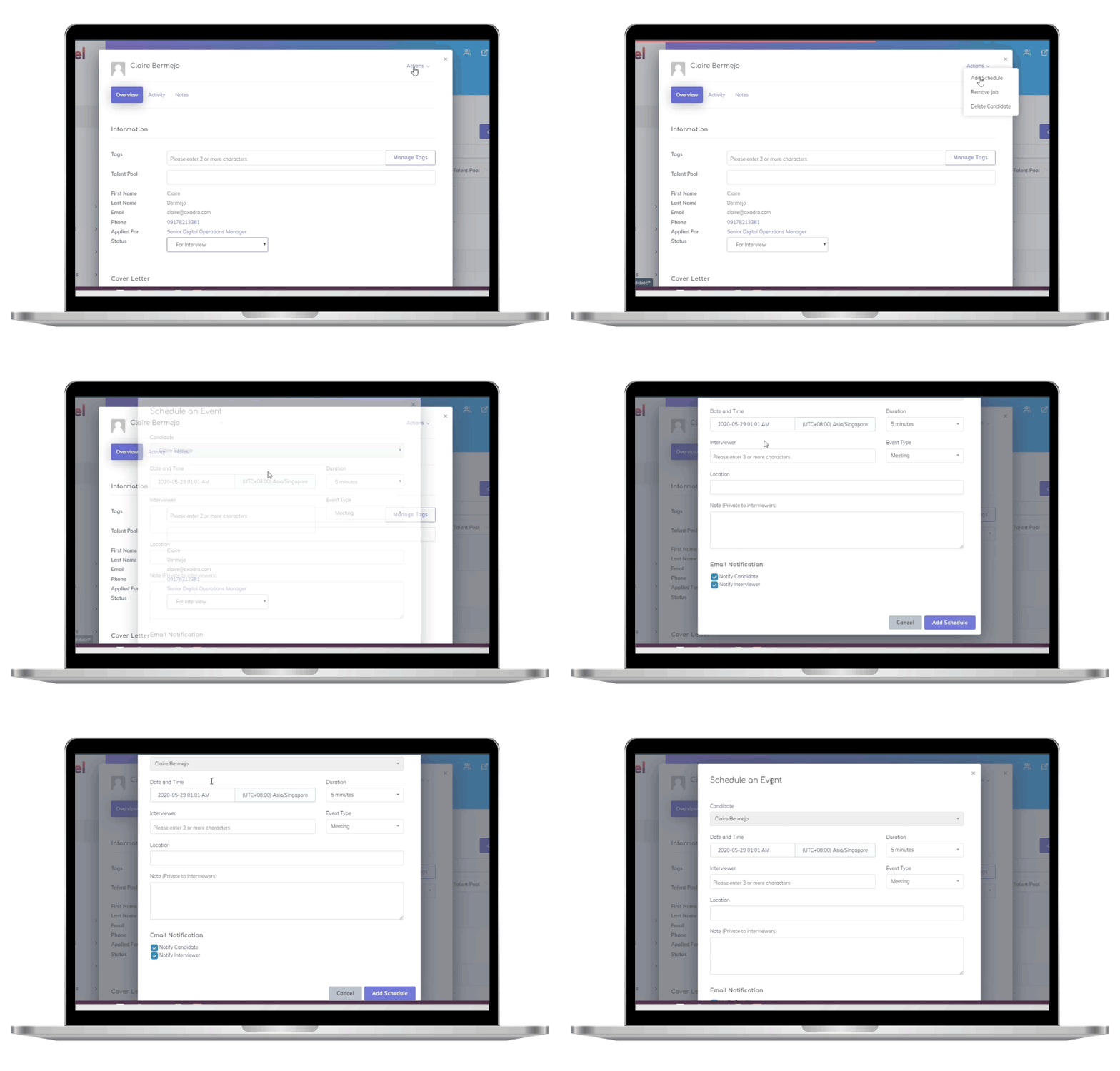
Set up triggers for specific ATS actions. For instance, when a candidate’s status changes from "Applied" to "Under Review", the system should send a status update email. Similarly, scheduling an interview in the ATS should trigger a confirmation email with all necessary details.
Ensure the ATS and email system sync data automatically and accurately. Candidate contact details, application information, and communication history should update across both platforms to avoid duplicate emails or missed responses.
Design workflows for different hiring scenarios. For example, full-time roles might follow one email sequence, while internships or contract positions may require separate templates and timing. The system should handle these variations without constant manual adjustments.
Regularly monitor the integration to catch issues like failed email deliveries or missing data. Set up alerts for potential problems to ensure candidates receive timely updates. If technical issues arise, have backup procedures in place to maintain smooth communication. Train your team on these processes so they can step in if needed, ensuring the candidate experience remains uninterrupted.
Improving and Measuring Recruitment Email Automation
Once you’ve set up your recruitment email automation, the real work begins: fine-tuning and tracking its performance. Regular testing, analysis, and feedback are essential to keeping your messages relevant and engaging for candidates.
A/B Testing and Content Refinement
Start by experimenting with subject lines to improve open rates. For example, test options like "Next steps for your application" versus "We’d love to move forward with you" to see which grabs more attention.
When running tests, focus on one variable at a time. If you’re testing subject lines, keep everything else – such as the sender name, email content, and send time – unchanged. This way, you’ll know the results are based solely on the subject line’s impact, not other factors.
You can also test different content styles. For instance, compare a formal tone with a conversational one, or see if mentioning company culture in interview confirmations affects candidate responses. Different groups may respond better to different approaches, so it’s worth experimenting to find the tone that resonates most with your audience.
Timing matters too. Try sending confirmation emails right after an application is submitted versus waiting a few hours. Similarly, test sending interview reminders a day before versus two days before to figure out which timing drives better engagement.
Make sure your tests run long enough to collect meaningful data. Once you’ve identified what works, document those findings and apply them to similar email types. If a conversational tone works well for one role, try it with other positions before rolling it out more broadly.
Finally, measure the success of these changes using key performance indicators.
Key Metrics and Analytics
Tracking the right metrics will help you gauge the effectiveness of your emails:
- Open rates: These reveal how well your subject lines and sender names are performing. For example, application confirmations often see higher open rates than general status updates.
- Click-through rates: If your emails include links to resources like company culture videos or interview prep guides, monitor which links get the most clicks. Low click-through rates might mean the content isn’t engaging enough or the links aren’t placed effectively.
- Response rates: For emails requiring action – like scheduling an interview – low response rates may indicate unclear messaging or inconvenient scheduling options.
- Response times: Quick replies usually mean candidates find your instructions clear and engaging, while slower responses could signal issues with content clarity or timing.
- Deliverability: High bounce rates or spam complaints can damage your sender reputation. Addressing these issues promptly ensures your emails continue to reach candidates’ inboxes.
- Conversion rates: These measure how many candidates move to the next hiring stage after receiving specific emails. This metric directly links your email performance to recruitment success.
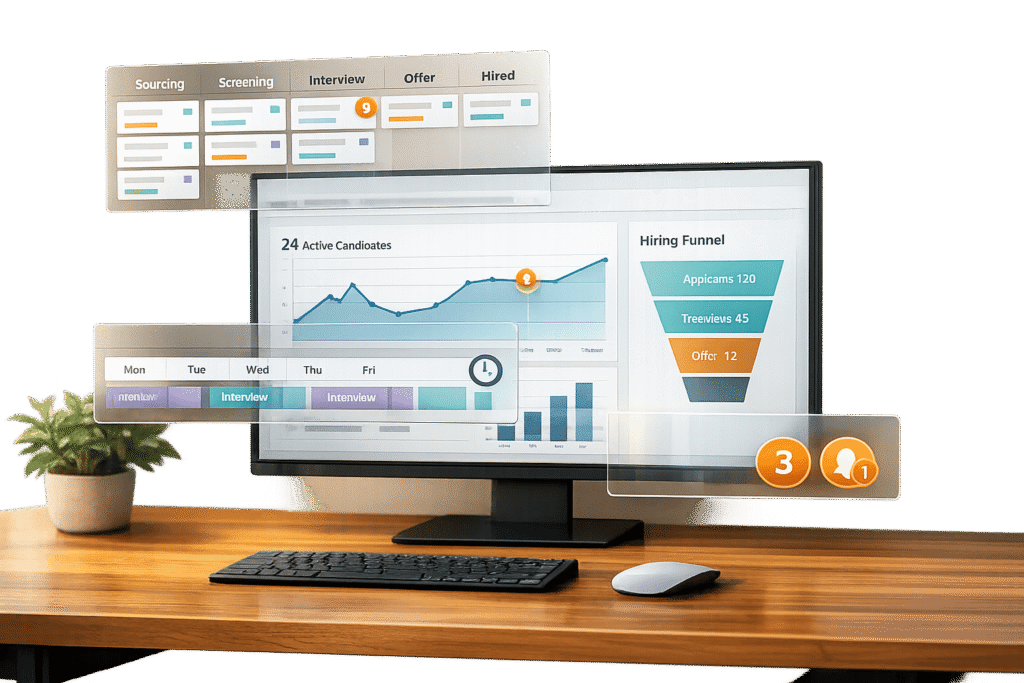
Many platforms, like Skillfuel, offer dashboards to track these metrics in real time. With tools like these, you can easily connect email performance to hiring outcomes and refine your strategy accordingly.
Numbers tell part of the story, but direct feedback can provide deeper insights.
Using Feedback for Continuous Improvement
Candidate feedback is a goldmine for improving your email automation. Include simple feedback requests in your final emails, whether candidates are moving forward or not. Questions like "Were our interview instructions clear?" or "Did we keep you updated on your application status?" can uncover areas for improvement.
Post-interview surveys are another way to gather insights. Focus on questions about communication: Did the emails provide enough details? Were scheduling instructions easy to understand? Was the tone consistent with your company’s personality?
Hiring managers can also offer valuable input. They might notice if candidates seem underprepared or confused during interviews, which could indicate that confirmation emails need more detailed information.
Feedback from new hires during onboarding is especially useful. They can share which emails were helpful and which felt redundant or unclear. Since these candidates accepted the job, their perspective can highlight what worked and what didn’t.
Even feedback from exit interviews can be enlightening. If departing employees mention that the recruitment process didn’t align with the company culture or job expectations, it might be time to revisit your automated emails.
To make the most of this feedback, establish regular review cycles – quarterly assessments work well. Look for recurring themes and adjust your email templates and automation rules accordingly. For example, if candidates frequently say that interview prep emails arrive too late, adjust the timing. Or, if hiring managers report confusion about next steps, revise your status update templates.
sbb-itb-e5b9d13
Benefits and Challenges of Recruitment Email Automation
Recruitment email automation has become a go-to tool for HR teams aiming to streamline their hiring processes. While it offers undeniable advantages, it also comes with its share of challenges. Understanding these pros and cons can help teams decide whether automation aligns with their goals and resources.
Advantages of Email Automation
Time savings: Automation takes over repetitive tasks like sending follow-ups or acknowledgment emails, freeing recruiters to focus on building relationships and tackling strategic priorities. For teams managing high application volumes, this can save hours every week.
Consistency: Automation ensures every candidate receives professional, uniform communication at each stage of the hiring process. This not only strengthens your employer brand but also prevents candidates from feeling ignored or receiving incomplete information.
Reduced human error: Forgetting to send an email, misspelling names, or including incorrect details can harm your company’s reputation. Automated systems eliminate these mistakes, ensuring a smoother candidate experience.
Scalability: Whether you’re handling 50 applications or 500, automation manages the workload without additional strain on your team. This is especially helpful during hiring surges or periods of rapid company growth.
Improved candidate experience: Candidates appreciate timely, reliable updates. Automation ensures they receive immediate acknowledgment of their applications and regular updates, keeping them engaged and reassured throughout the process.
Data insights and cost efficiency: Every email interaction generates valuable data, such as open rates and response times. These insights help refine your recruitment strategy and identify bottlenecks. Additionally, automation reduces the need for extra administrative staff during busy periods, saving costs.
Challenges to Consider
Loss of personal touch: Automated emails can feel cold and impersonal, especially for senior-level roles or in competitive markets where personal connections matter. Striking the right balance between efficiency and personalization is crucial.
Initial setup complexity: Setting up automation isn’t as simple as flipping a switch. Designing templates, configuring triggers, and integrating systems can be overwhelming for teams without technical expertise. Many underestimate the effort required to get everything running smoothly.
Compliance requirements: In the U.S., employment laws vary by state, adding complexity to automated communications. Emails must comply with data privacy laws, equal opportunity regulations, and communication preferences. Missteps in this area can lead to legal issues.
Technology dependence: Automated systems aren’t foolproof. Outages, integration failures, or bugs can disrupt communication at critical moments. Having contingency plans and monitoring systems in place is essential to minimize these risks.
Ongoing maintenance: Automation isn’t a “set it and forget it” solution. Templates need regular updates to reflect changes in company roles, policies, or legal requirements. Additionally, email performance must be monitored and optimized to stay effective.
Limited flexibility: Automation works best for standardized processes, but recruitment often involves unique situations – urgent hires, special candidate requests, or one-off circumstances. Automated systems may struggle to adapt to these needs.
Spam filtering risks: High email volumes or overly generic content can trigger spam filters, preventing important messages from reaching candidates. This can create communication gaps and harm the candidate experience.
Comparison Table: Pros and Cons
| Advantages | Challenges |
|---|---|
| Time Savings: Reduces manual email workload | Setup Complexity: Requires technical expertise and effort |
| Consistency: Uniform communication across candidates | Loss of Personal Touch: Risk of impersonal interactions |
| Error Reduction: Minimizes mistakes in emails | Technology Dependence: Outages can disrupt communication |
| Scalability: Handles high volumes effortlessly | Compliance Requirements: Must adhere to complex legal standards |
| Better Candidate Experience: Faster, reliable updates | Ongoing Maintenance: Templates and systems need updates |
| Data Insights: Provides metrics for improvement | Limited Flexibility: Struggles with unique scenarios |
| Cost Efficiency: Cuts down on administrative staffing needs | Deliverability Issues: Risk of emails being filtered as spam |
How Skillfuel Simplifies Recruitment Email Automation
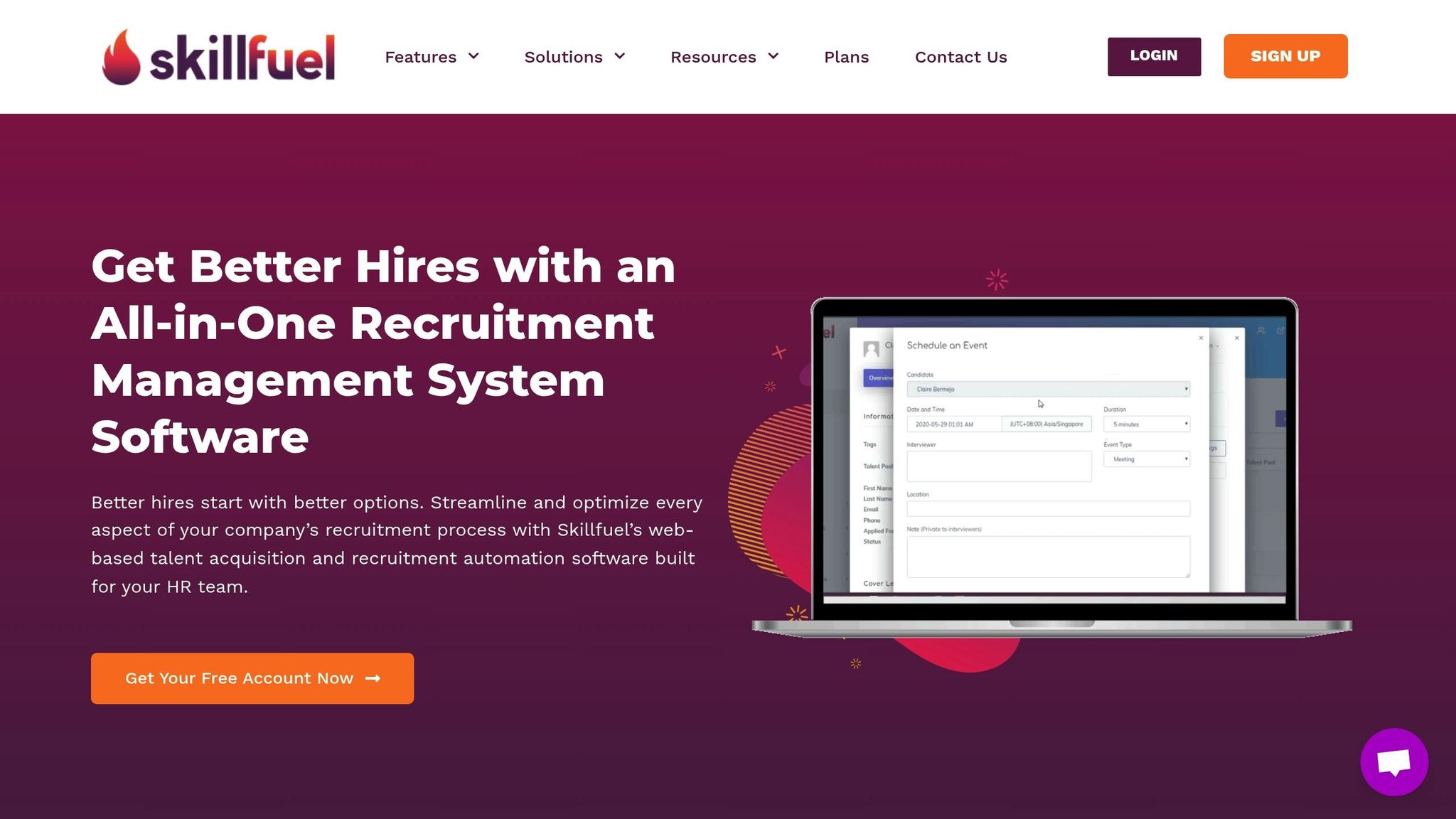
Skillfuel tackles common HR challenges by offering a straightforward yet feature-packed automation platform. It’s designed to be intuitive, so even teams without a technical background can use it effectively. Let’s dive into how Skillfuel’s features make recruitment email automation a breeze.
Customizable Templates for Every Stage
Skillfuel provides pre-built templates that can be tailored for every step of the hiring process. Whether you’re sending application acknowledgments, interview invitations, follow-ups, rejections, or onboarding messages, these templates ensure your communication reflects your company’s tone and branding.
HR teams can tweak subject lines, add personalized signatures, and use dynamic fields to automatically populate details like candidate names, job titles, and interview dates. Managing multiple roles? Skillfuel lets you create role-specific templates, ensuring candidates receive messages that align with their unique qualifications and interests. Plus, seasonal and industry-specific options make it easy to adapt your messaging to hiring trends.
Centralized Management and Integration
One of the biggest headaches in recruitment automation is dealing with systems that don’t work well together. Skillfuel solves this by offering a centralized dashboard that integrates seamlessly with its built-in ATS. This means all your email automation tasks are in one place, cutting out the need for manual data entry.
For instance, when a candidate’s status updates – like moving from “application received” to “interview scheduled” – the system automatically triggers the right email sequence. Real-time calendar syncing and connections to popular tools like job boards, HR systems, and calendar apps ensure a smooth workflow. On top of that, collaborative tools allow multiple recruiters to track sent emails, monitor candidate responses, and manage follow-ups without missing a beat.
Compliance and Data Security Features
Navigating U.S. data privacy laws is no small task, but Skillfuel has you covered. The platform includes built-in GDPR compliance tools and robust security measures to safeguard candidate information. By adhering to industry-standard practices, Skillfuel ensures your communications are both secure and lawful, giving HR teams peace of mind while managing sensitive data.
Conclusion
Recruitment email automation has become a key part of modern HR strategies. In this guide, we’ve delved into how these systems can streamline hiring, making the process more efficient, tailored, and scalable – all while cutting down on repetitive tasks.
Key Takeaways
The success of recruitment email automation lies in three core elements: timing, personalization, and consistent messaging. These factors not only improve employer branding but also reduce time-to-hire and create a better experience for candidates. Instead of replacing the human element, automation allows HR teams to focus on what truly matters – building relationships, conducting interviews, and planning strategically.
Companies that implement effective email automation often see quicker responses and happier candidates. Starting with basic templates and triggers is a great first step. Over time, you can incorporate advanced tools like A/B testing and segmentation to refine your approach.
Compliance and data security remain non-negotiable. U.S. hiring practices require strict adherence to privacy laws and equal opportunity guidelines. A reliable platform can help you meet these standards automatically, reducing legal risks while maintaining professionalism.
Tracking metrics such as open rates, response times, and time-to-hire offers clear proof of automation’s impact. Many HR teams find that data-driven adjustments to their email strategies lead to better results across the board. These advantages make Skillfuel an excellent choice for optimizing your recruitment communications.
Next Steps
Put these insights into action by choosing a solution that combines simplicity with results. Skillfuel’s platform is designed to streamline recruitment email automation. With its easy-to-use interface, customizable templates, and built-in compliance tools, it removes the technical hurdles that often hold HR teams back.
Get started with Skillfuel’s free plan to explore features like applicant tracking, interview scheduling, and automated communication. As your needs grow, you can upgrade to unlock advanced analytics and dedicated support.
Skillfuel’s centralized dashboard and seamless ATS integration mean you can start seeing results within the first week. Whether you’re a small business hiring your first team or a large company managing hundreds of candidates each month, Skillfuel’s adaptable platform meets your needs while keeping automation simple and effective.
Take the next step with Skillfuel and transform your recruitment process – keeping it efficient, personalized, and, most importantly, human.
FAQs
How does automating recruitment emails enhance the candidate experience?
Automating recruitment emails can greatly enhance the candidate experience by ensuring timely and efficient communication. Instead of leaving candidates waiting for updates, automation provides real-time notifications and consistent follow-ups, keeping them informed and engaged throughout the hiring journey.
What’s more, automation enables personalized messaging, making candidates feel appreciated and acknowledged, no matter the final decision. By cutting down on delays and uncertainty, it delivers a smoother, more polished experience that builds trust and leaves a positive impression long after the process is complete.
What are the biggest challenges in setting up recruitment email automation, and how can they be resolved?
Setting up recruitment email automation isn’t without its hurdles. You might face difficulties like syncing the automation platform with your existing HR systems, keeping communication personal despite operating at scale, and ensuring your emails don’t land in spam folders.
Here’s how to tackle these challenges: start by selecting a platform that integrates smoothly with your current systems. Leverage segmentation and personalization to craft messages that resonate with candidates, making them feel less like mass emails and more like genuine conversations. To keep your emails out of spam, regularly test deliverability and track engagement metrics to fine-tune your approach.
Remember, ongoing evaluation and tweaks are key to keeping your automation strategy effective and aligned with your hiring objectives.
How does Skillfuel protect candidate data and ensure compliance with privacy laws in recruitment email automation?
Skillfuel places a strong emphasis on data security and privacy compliance, embedding rigorous safeguards into its recruitment email automation systems. The platform is designed to handle candidate information with transparency and in full alignment with applicable privacy laws.
To keep data secure, Skillfuel employs advanced systems that block unauthorized access and maintain audit trails to ensure accountability. Additionally, all service providers partnered with Skillfuel are held to strict confidentiality and security agreements, reinforcing the protection of sensitive candidate information. These measures work together to build a recruitment process HR teams can rely on with confidence.